Video content dominates the internet. From YouTube and Instagram to TikTok and business marketing campaigns, video has become the most effective way to engage audiences.
However, traditional video production can be expensive and time-consuming. Fortunately, AI video generators are changing the game by allowing users to create professional videos from simple text prompts, scripts, or images.
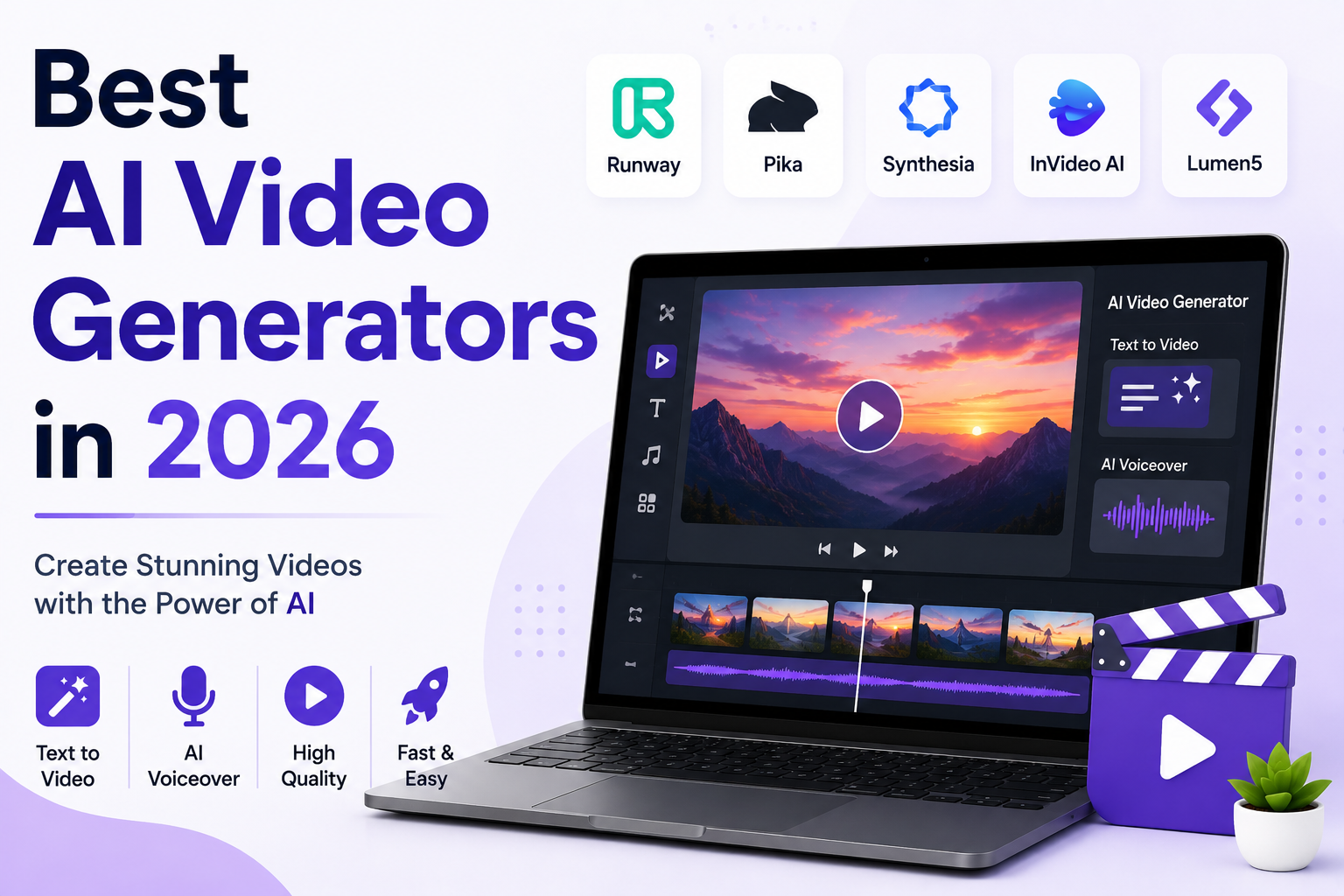
In this guide, we’ll explore the best AI video generators in 2026 and help you choose the right tool for your needs.
What Is an AI Video Generator?
An AI video generator uses artificial intelligence to create videos automatically from text, images, audio, or existing content.
These tools can:
- Generate videos from text prompts
- Create AI avatars
- Produce voiceovers
- Add subtitles automatically
- Edit videos automatically
- Create social media clips
AI video tools are helping businesses, creators, educators, and marketers save both time and money.
Why Use AI Video Generators?
Save Time
A video that once took hours to edit can now be created in minutes.
Reduce Costs
No need to hire expensive video editors for simple projects.
Create Content at Scale
Generate multiple videos for YouTube, TikTok, Instagram, and marketing campaigns.
Beginner Friendly
Most AI video platforms require little to no editing experience.
1. Sora
Sora is one of the most advanced AI video generation models available today.
Key Features
- Text-to-video generation
- High-quality visuals
- Realistic motion
- Creative scene generation
Best For
Content creators, filmmakers, and marketers.
Pros
- Exceptional video quality
- Advanced scene understanding
- Realistic results
Cons
- Limited access depending on subscription plans
2. Runway
Runway is widely used by creators and professional video editors.
Features
- AI video generation
- Background removal
- Video editing tools
- Motion tracking
Best For
Professional creators and video editors.
Pros
- Powerful editing features
- High-quality output
Cons
- Premium plans can be expensive
3. Pika
Pika is becoming increasingly popular for generating short-form AI videos.
Features
- Text-to-video
- Image-to-video
- Animation effects
- Fast generation
Best For
Social media content and creative projects.
Pros
- Easy to use
- Fast rendering
Cons
- Less advanced than professional platforms
4. Synthesia
Synthesia specializes in AI avatar videos.
Features
- AI presenters
- Voice generation
- Multiple languages
- Corporate training videos
Best For
Businesses, training, and educational content.
Pros
- Professional avatars
- Multilingual support
Cons
- Less suitable for cinematic videos
5. HeyGen
HeyGen is another leading AI avatar platform.
Features
- Talking avatars
- AI voiceovers
- Video translation
- Marketing videos
Best For
Business presentations and promotional content.
Pros
- High-quality avatars
- User-friendly interface
Cons
- Premium features require subscription
6. InVideo AI
InVideo AI allows users to generate complete videos from simple text prompts.
Features
- Automated video creation
- Stock media library
- AI voiceovers
- YouTube video generation
Best For
YouTubers and marketers.
Pros
- Beginner friendly
- Fast video production
Cons
- Limited customization compared to advanced editors
7. Canva AI Video Generator
Canva now includes AI-powered video generation tools.
Features
- Presentation videos
- Social media clips
- Marketing videos
- Easy editing
Best For
Small businesses and content creators.
Pros
- Simple interface
- Affordable pricing
Cons
- Not designed for advanced filmmaking
Comparison Table
| Tool | Best For | Free Plan |
|---|---|---|
| Sora | High-Quality AI Videos | Limited |
| Runway | Professional Editing | Limited |
| Pika | Short Videos | Yes |
| Synthesia | AI Avatars | Limited |
| HeyGen | Business Videos | Limited |
| InVideo AI | YouTube Content | Yes |
| Canva AI | Beginners | Yes |
Best AI Video Generator for Different Needs
Best Overall
Sora
Best for YouTube Creators
InVideo AI
Best for AI Avatars
Synthesia
Best for Business Videos
HeyGen
Best for Professional Editors
Runway
Best for Beginners
Canva AI
Tips for Creating Better AI Videos
Use Detailed Prompts
Instead of:
“Create a beach video.”
Use:
“Create a cinematic drone shot of a tropical beach at sunset with palm trees and golden light.”
Keep Scripts Clear
Short and clear scripts usually produce better AI-generated videos.
Add Branding
Include:
- Logos
- Brand colors
- Custom voiceovers
- Call-to-action screens
Edit Before Publishing
Always review AI-generated content for accuracy and quality.
How Businesses Use AI Video Tools
Businesses use AI video generators for:
- Product promotions
- Employee training
- Social media marketing
- Customer support videos
- Advertising campaigns
- YouTube content
AI video creation significantly reduces production costs while increasing content output.
Are AI Video Generators Worth It?
Yes. AI video generators are becoming essential tools for content creators and businesses.
They help users create high-quality videos faster, cheaper, and with less technical knowledge than traditional editing methods.
While human creativity remains important, AI can dramatically accelerate the content creation process.
Final Verdict
The AI video generation industry is growing rapidly, and today’s tools are more powerful than ever.
If you’re looking for the best AI video generator in 2026:
- Best Overall: Sora
- Best for Professionals: Runway
- Best for AI Avatars: Synthesia
- Best for YouTube: InVideo AI
- Best for Beginners: Canva AI
By choosing the right AI video tool, you can create engaging video content, grow your audience, and save countless hours of editing time.